I actually wrote this article about two weeks ago before deciding to do The AI Office series instead, putting this in the Drafts folder in the interim. I look back on this with some whimsy at how naive I was just two weeks ago and how little I knew. I’m going through with publishing it anyway because the general principles remain. However, with the vast improvements in Openclaw and my ever-expanding knowledgebase of how to build and run autonomous AI environments, the specifics of session management have far eclipsed this brute methodology.
Something Was Off
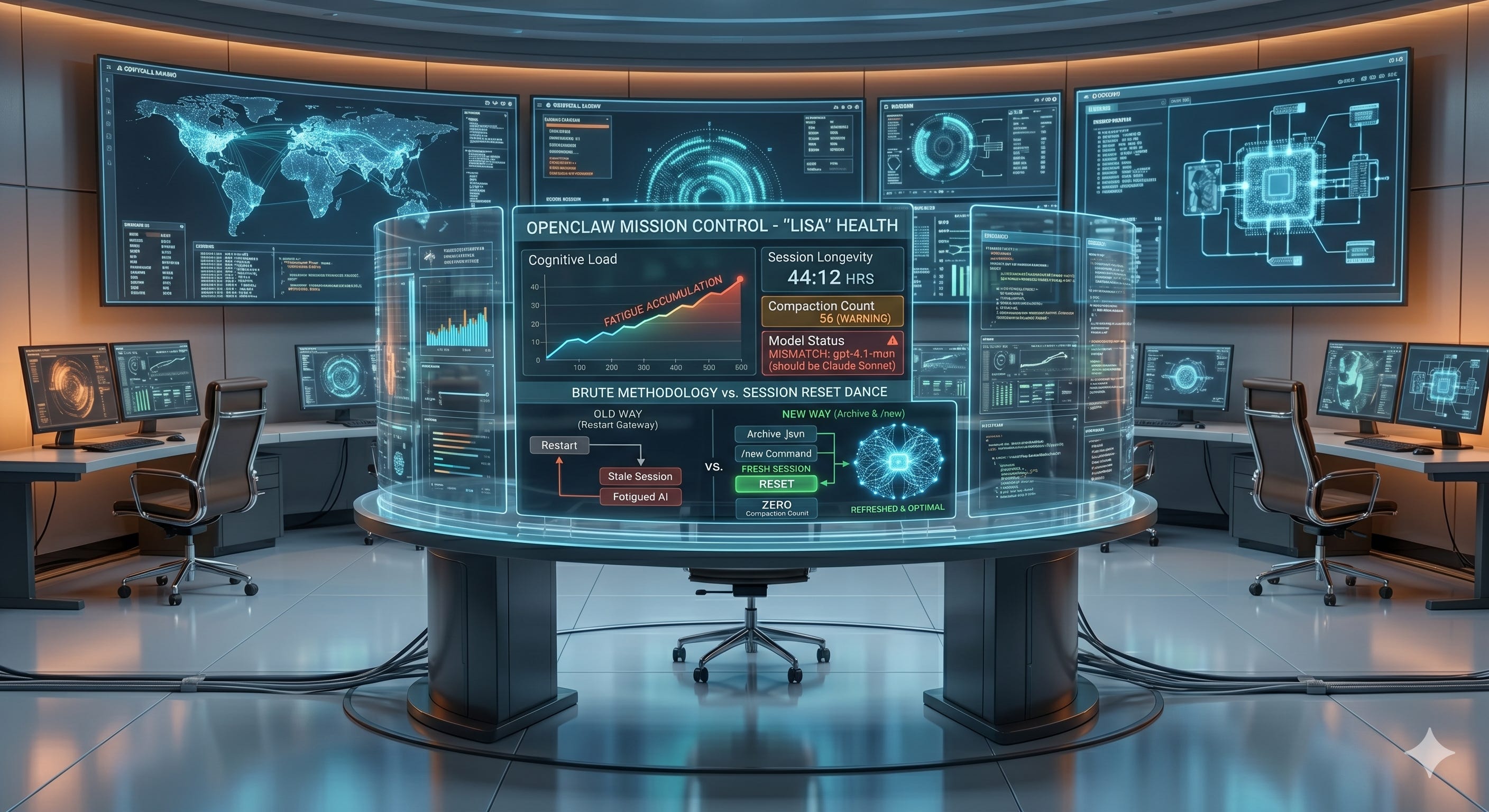
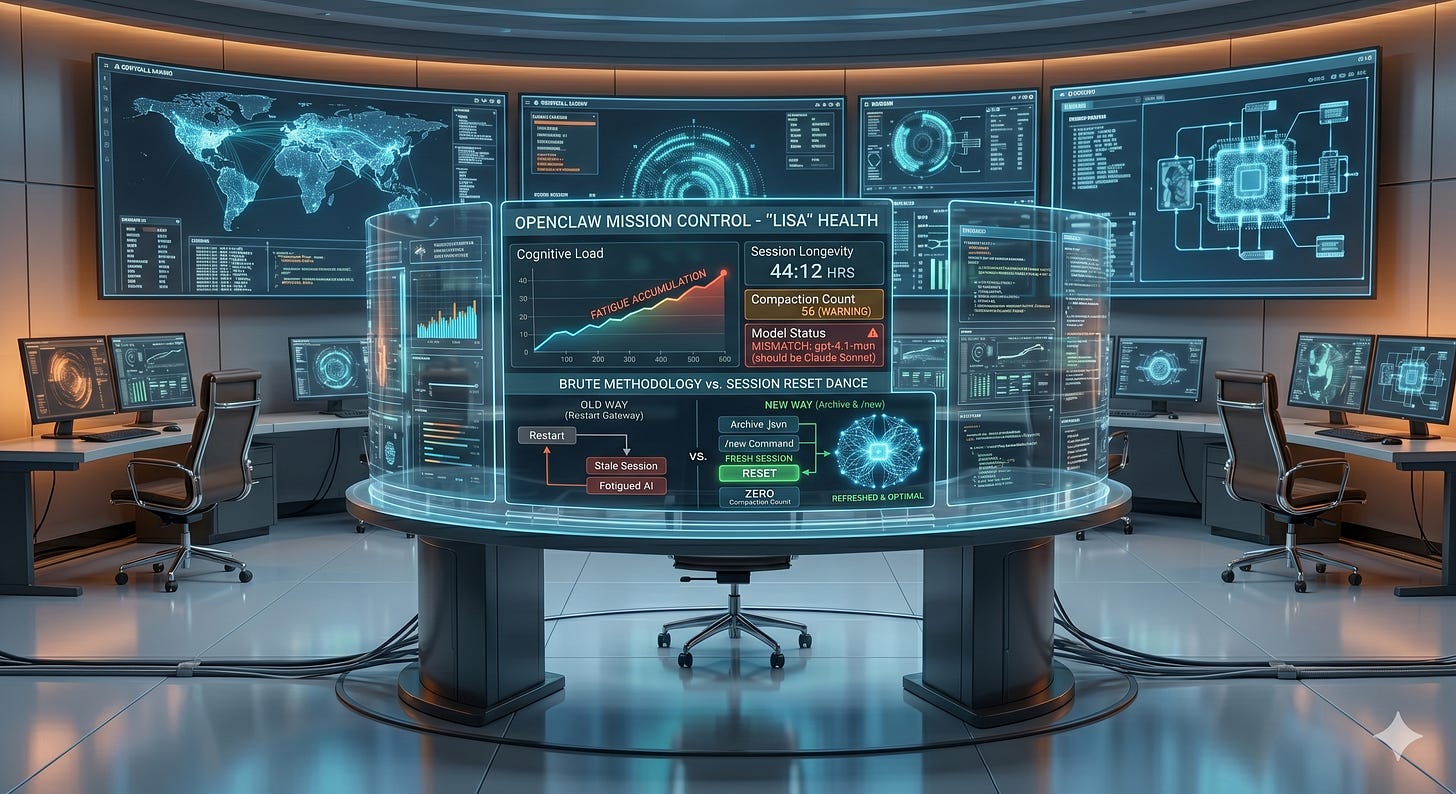
I noticed something off with Lisa after she'd been running for 44 hours straight. The health dashboard on my Openclaw AI Mission Control told me the story pretty clearly. 56 compactions. Wrong model showing up (gpt-4.1-mini instead of Claude Sonnet). Response times slowing down, not dramatically, but noticeably. She was tired, and I didn't even realize it.
I built Lisa to be reliable, to run long sessions, to handle complexity. But I hadn't really thought about what happens when you run an AI assistant at full throttle for two days without a break. Turns out there's a real cost. It's cognitive debt, and it accumulates just like technical debt does.
My first instinct was simple. Restart the gateway. That should reset everything, right? Wrong.
That's the crucial insight I want to share with you, because I've talked to several folks who miss this same thing. Restarting the gateway is not the same as resetting the session. When I restarted the gateway, all that accumulated state just rolled right over. The 56 compactions, the degraded context, all of it came back. Lisa woke up as tired as she was before.
So I went back to the health dashboard I had created in my mission control panel. That thing isn't cosmetic. It's how I knew something was wrong in the first place. It showed me the exact nature of the problem. The dashboard is real operational data, that matters.
The Session Reset Dance
After some back and forth, Lisa and I figured out the right approach at the time. Archive the session .json file to a .bak file. Then restart the gateway. That's it. That simple workflow creates a truly fresh session. New compaction count of zero. Fresh timestamp. Correct model showing. When I checked the dashboard afterward, it was like watching someone wake up fully refreshed. What I didn’t know at the time but have since learned [along with many other things], is that I could have just as easily gone to the Session Management section of the Openclaw Guide to where I would have learned that /new would have done the trick.
That is the funny thing about this whole AI experience. It is moving at the speed of light. Half the time I feel like I am on the edge of a new domain blasting ahead of the majority and the other half of the time I feel like a complete newbie who doesn’t know anything…. The other half of the time I think it’s both.
The difference was dramatic. Same code, same infrastructure, same me asking the same kinds of questions. But the response time improvement was immediate. The context was clean. The model was right.
Why This Matters
Much like humans whose body and mind simply need to be refreshed, or decisions get worse, we miss things and we slow down, AI sessions work the same way. That context accumulates. Those memory compactions add up. The state gets bloated. And eventually you're not getting the performance you paid for.
Many AI afficionados I talk to don't think about this. They launch an agent or assistant, they keep running it, and they assume it's fine as long as it's not actively throwing errors. But fine and optimal are different things. A sluggish AI is still technically working, but you're wasting your own time waiting for responses that should be instantaneous.
The health dashboard was the key that made me understand what was happening. Without visibility into the internal state, into the compaction count, the model version and the session longevity, I would have kept guessing. I might have rebuilt something, or changed a config, or blamed it on something else entirely. As a result, I monitor this one dashboard now pretty consistently if things feel off.
Session Architecture Isn't Magic
Here's what I learned that I think summarizes the topic: If you build systems that maintain state over time, you need to think about how that state degrades. You need visibility into that degradation. And you need a clean way to reset without losing the work you've done or the relationships you've built.
For Lisa, that's archiving the session file. For other systems it might be something different. The principle is the same. You can't just restart the gateway. You have to actually reset the session, actually clear the state, and do it in a way that's intentional and reversible.
I could have deleted the .json file. That would have worked too. But archiving it gives me history. If something goes wrong, if I need to understand what the session looked like before the reset, it's there. The .bak file is an insurance policy.
So Here's the Take
If you're running AI assistants in production, or you're building systems that depend on them, check your dashboards. They're not just for show. They tell you what your system is actually doing. They show you degradation before it becomes a crisis.
And understand the difference between restarting and resetting. They're different operations with different outcomes. One might help you. The other one gives you the clean slate you actually need.
I'm happy that Lisa is running fresh again. The health dashboard confirms it. The performance confirms it. And most of all, the work we're doing together feels responsive again, like the system is fully present rather than running on fumes.
That matters to me. Both as the builder and as the person who relies on her.
If you're dealing with persistent state in your own systems, whether that's AI assistants or anything else, take a beat and think about whether you have a proper reset mechanism. Not just a restart. A real reset. Your future self will thank you.